
By Doer Digitalz
🌐 https://doerdigitalz.com
Introduction
As privacy concerns grow, many people are actively looking for AI tools that work without internet access. Offline AI is becoming a powerful solution because it keeps your data on your device, ensuring maximum security and independence. Unlike cloud-based systems, these tools do not rely on constant connectivity, making them ideal for both personal and professional use.
📘 Click here to download your 💰 Ultimate Generative AI Workbook
What is Offline AI and Why It Matters
Offline AI, also known as on-device or edge AI, runs directly on your computer, mobile, or local server. This means your data never leaves your system, reducing risks of data leaks, hacking, or unauthorized access. For common users, this is one of the safest ways to use AI—especially when handling sensitive or business-related information.

Best Offline AI Tools You Can Use Today
1. GPT4All
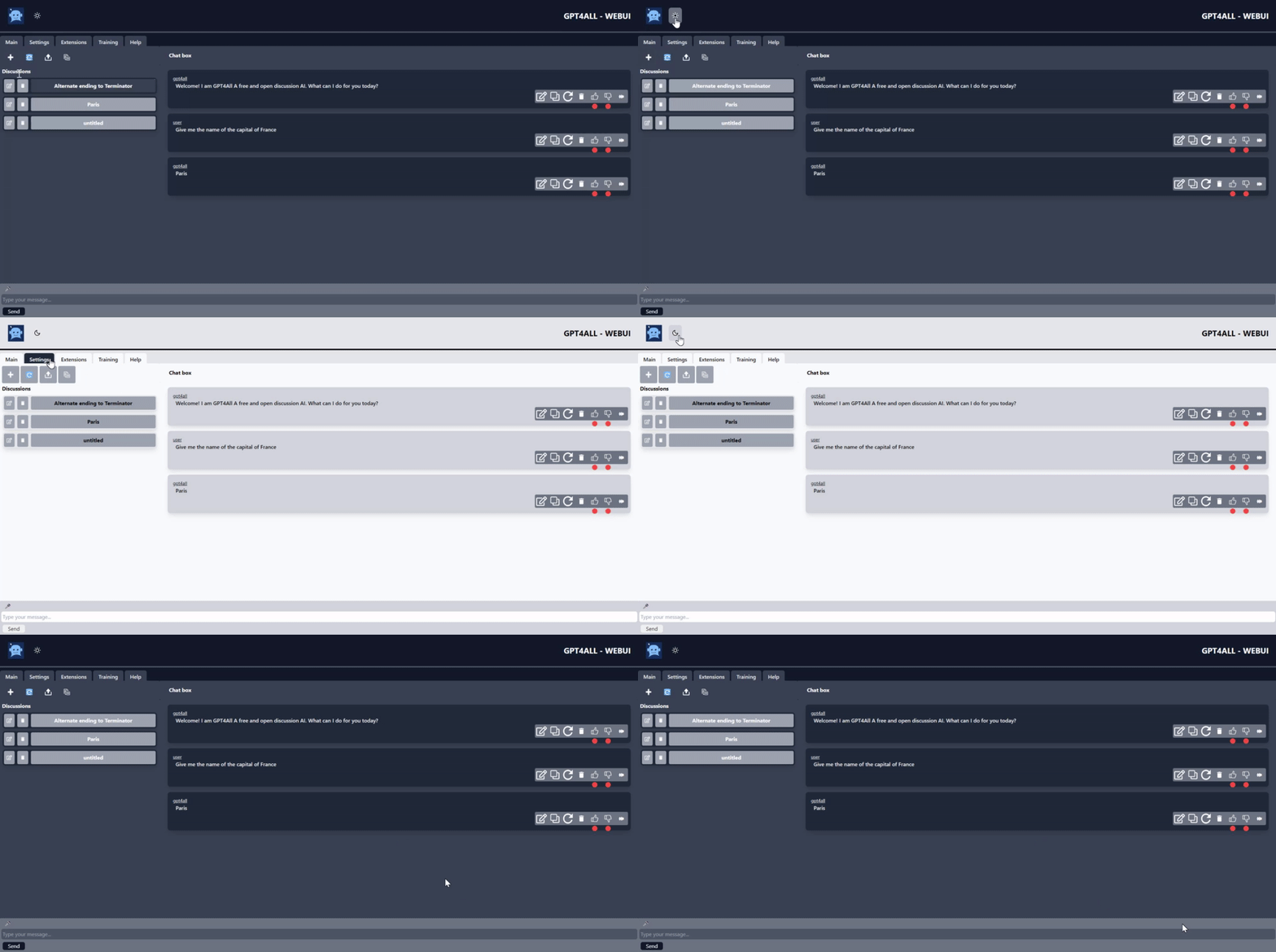

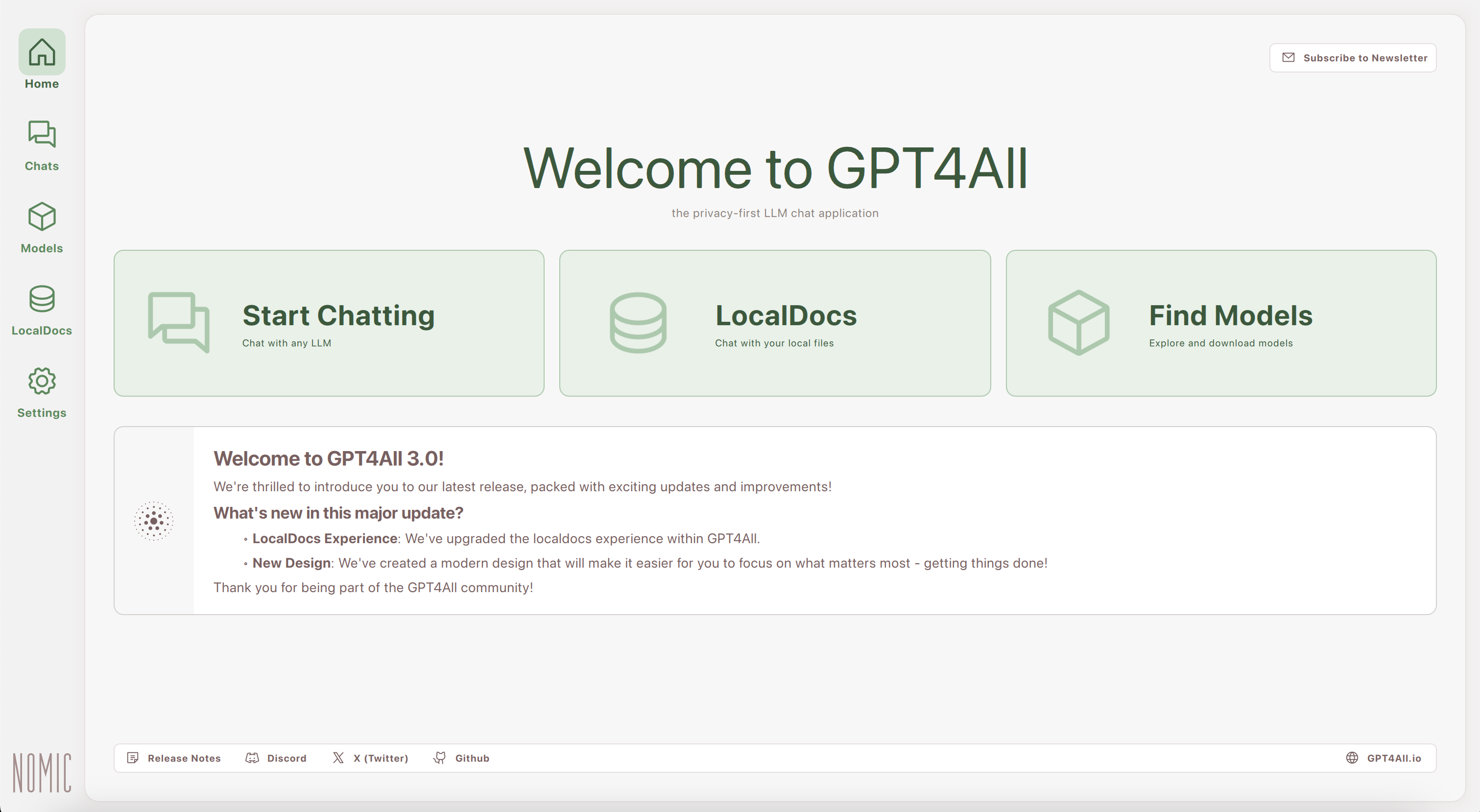
GPT4All is one of the most popular offline AI chat tools available today. It allows you to run powerful language models directly on your laptop without any internet connection. It is user-friendly and designed for everyday users who want privacy and control.
Why it stands out:
- Fully offline after setup
- No data sent to servers
- Simple installation for Windows/Mac
- Ideal for business use and personal tasks
2. LM Studio
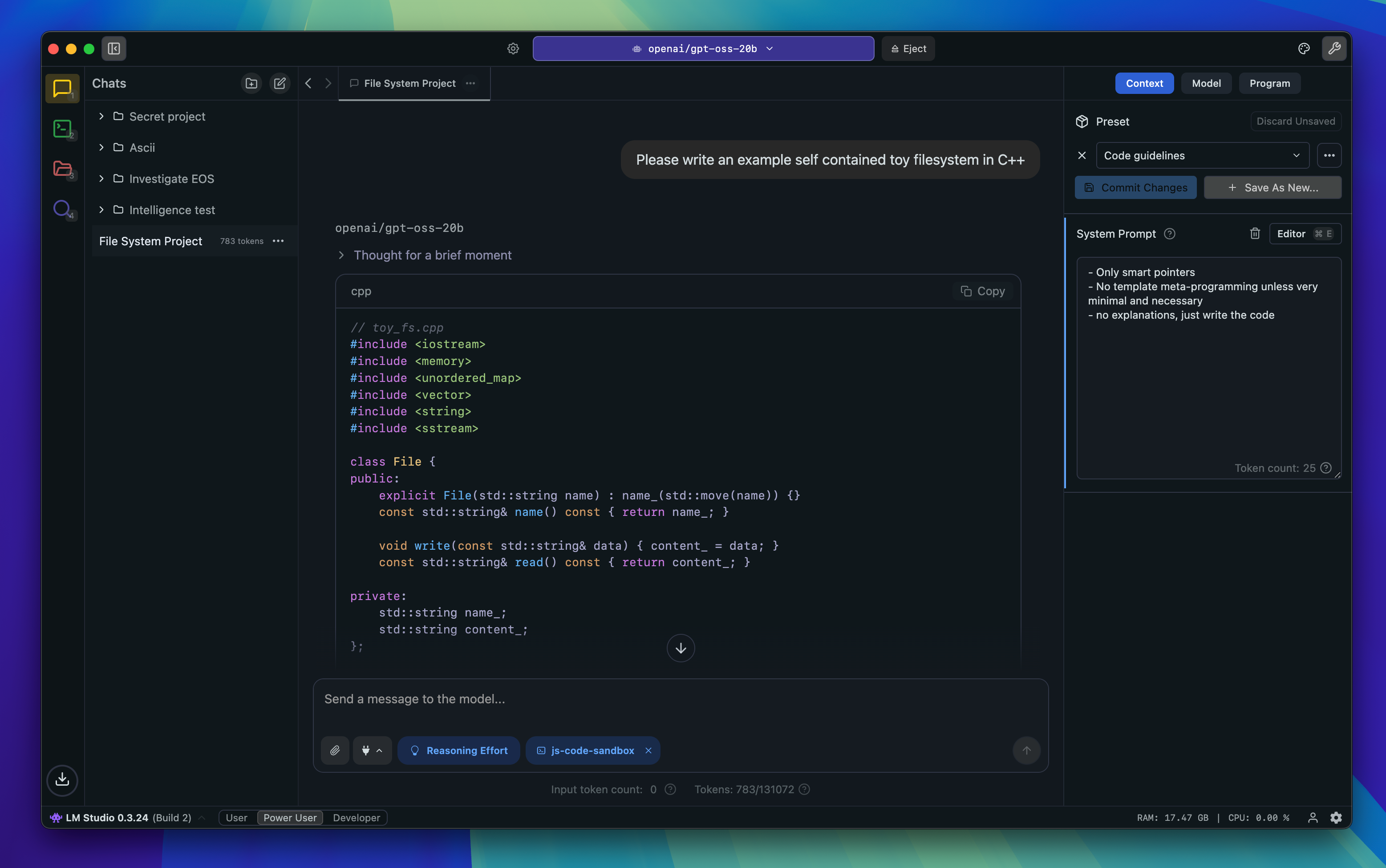

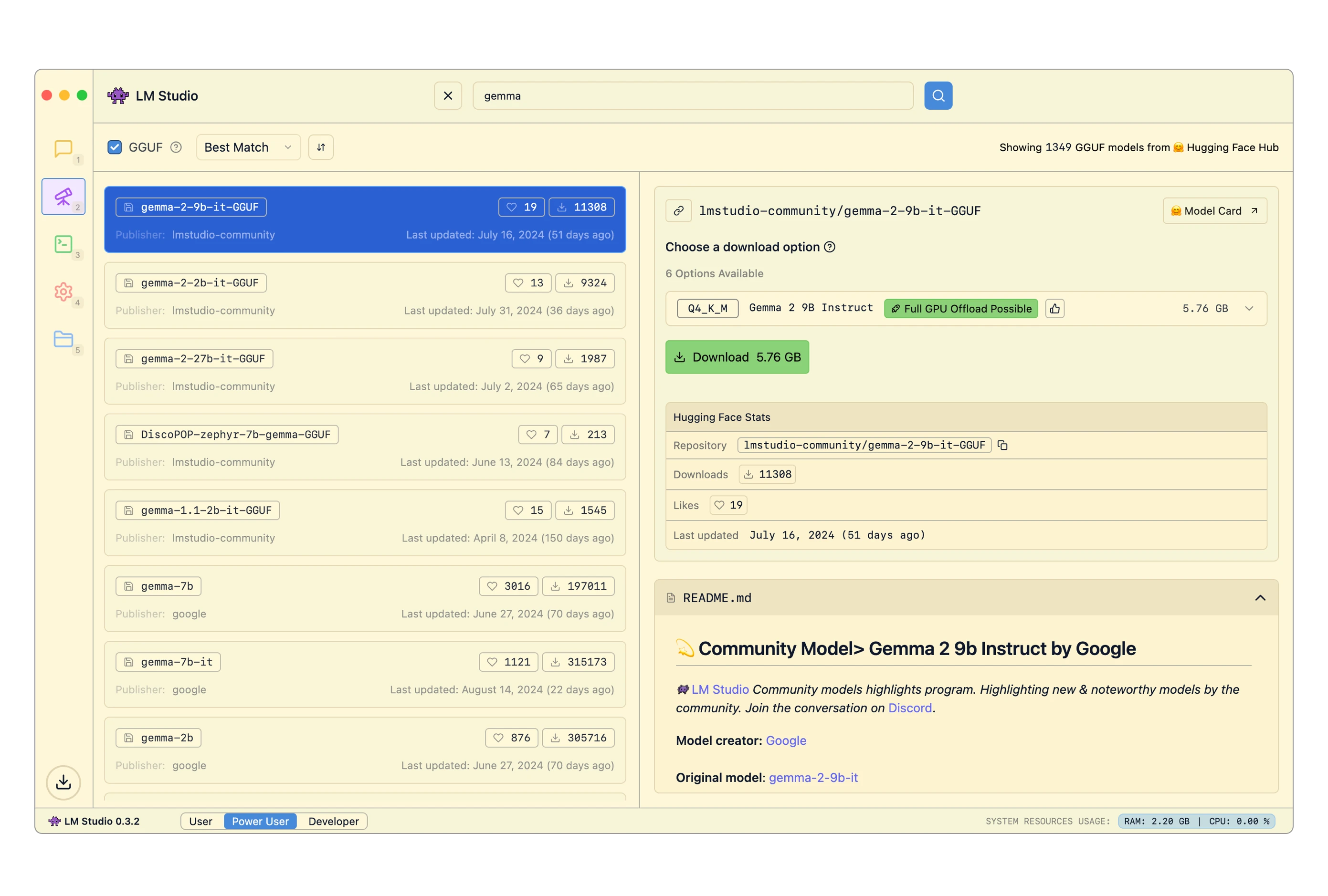
LM Studio provides a professional environment to run AI models locally. It supports multiple models and gives full control over performance and privacy.
Key benefits:
- Runs advanced AI models offline
- Clean and professional interface
- No internet required after model download
- Best for developers and business users




3. Ollama
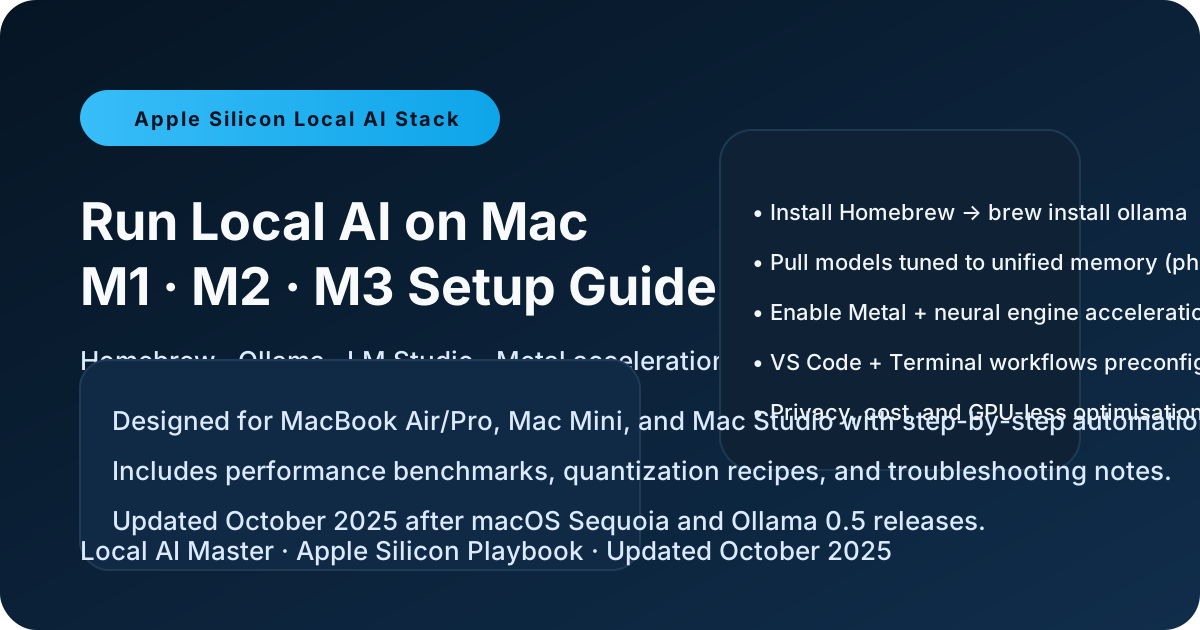
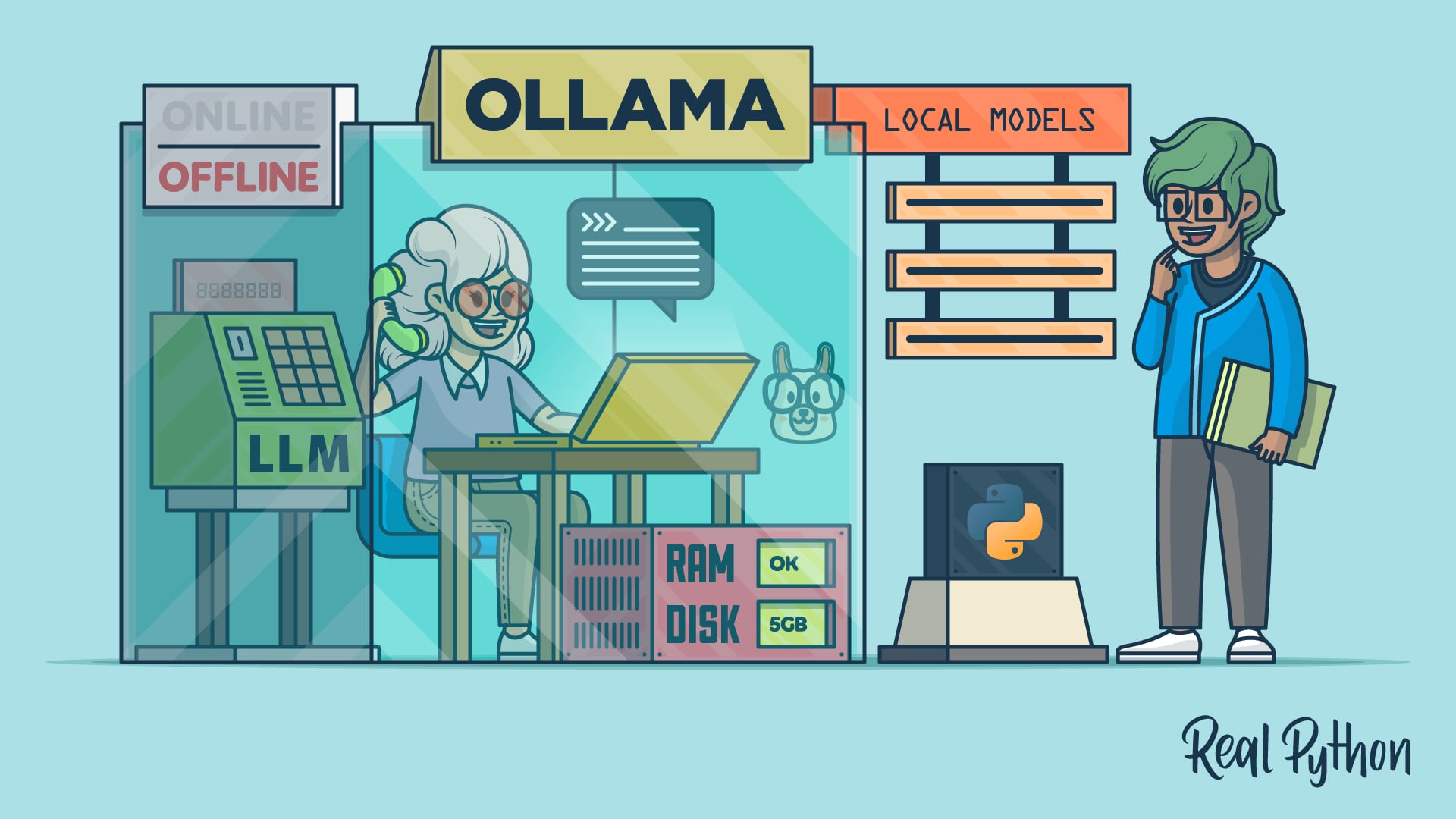
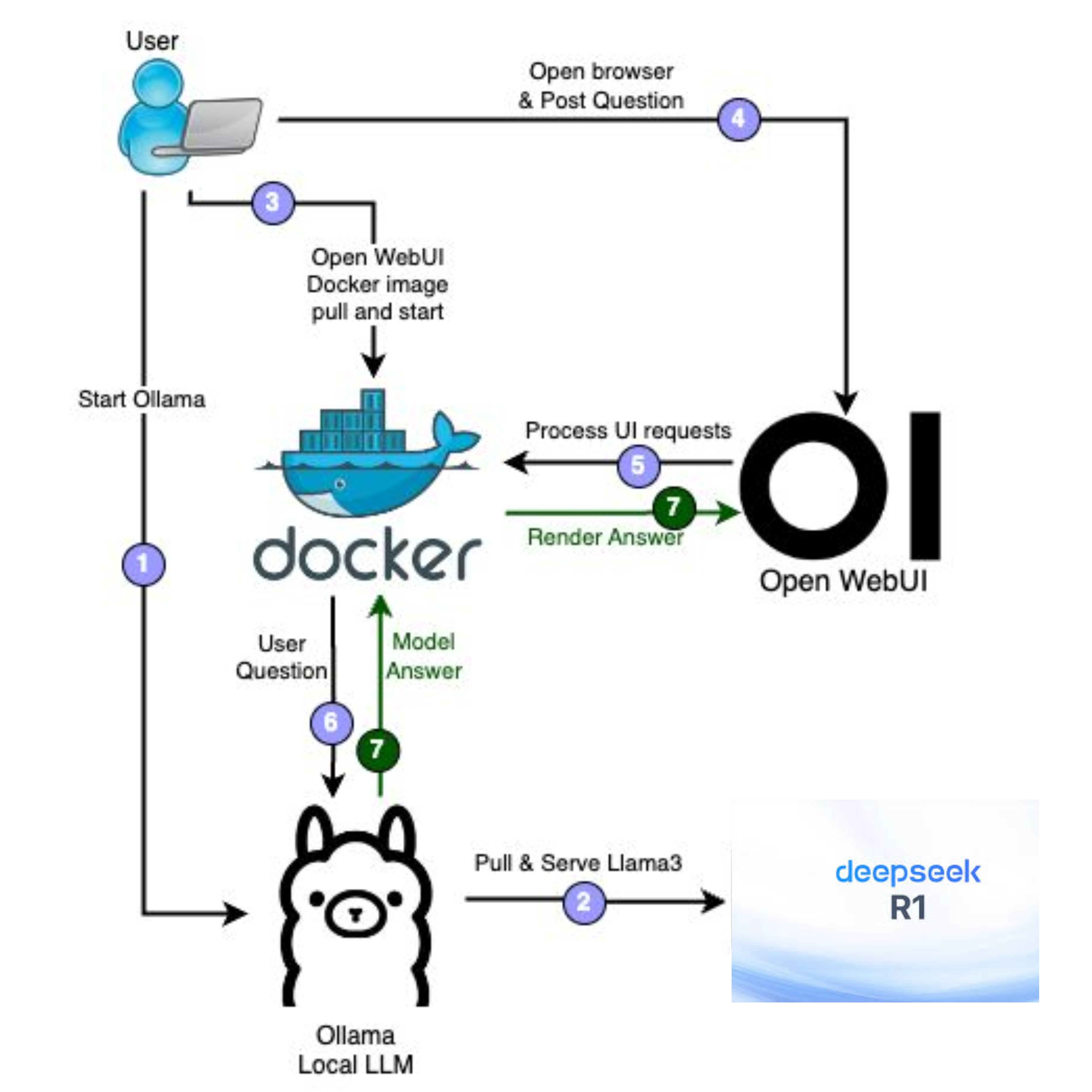
Ollama is a powerful tool for running AI models locally using simple commands. It is lightweight and highly efficient.
Why choose Ollama:
- Fast and lightweight
- Works completely offline
- Easy to run models like LLaMA
- Perfect for advanced users

10% discount COUPON
[copy_inline text=”DOER”]

COUPON
[copy_inline text=”NNN12″]
4. Mycroft AI

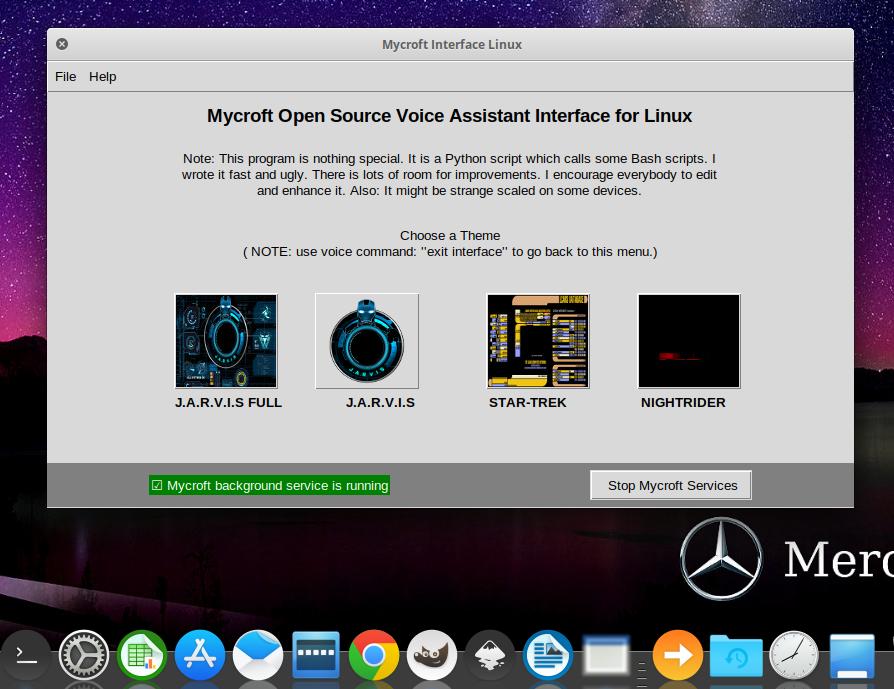

Mycroft AI is an open-source voice assistant that can run offline, giving you a privacy-focused alternative to cloud assistants.
Highlights:
- Voice-controlled AI
- Works without internet (basic functions)
- Fully customizable
- No tracking or data collection
5. Mozilla DeepSpeech


DeepSpeech is an offline speech-to-text engine that converts voice into text without sending data online.
Best for:
- Secure voice transcription
- Business meetings
- Private audio processing
Which One is Best for You?

Support DoerDigitalz ☕
Support our work with a coffee—small gesture, big impact.
☕ Buy Me a CoffeeEvery small contribution means a lot. Thank you ❤️
ConclusionOffline AI is the future of secure technology for everyday users. It provides independence, privacy, and reliability without depending on internet connectivity. Whether you are a business owner, developer, or common user, adopting offline AI tools ensures your data remains in your control while still benefiting from advanced artificial intelligence.
If your priority is security + performance, starting with tools like GPT4All or LM Studio is the smartest choice today.